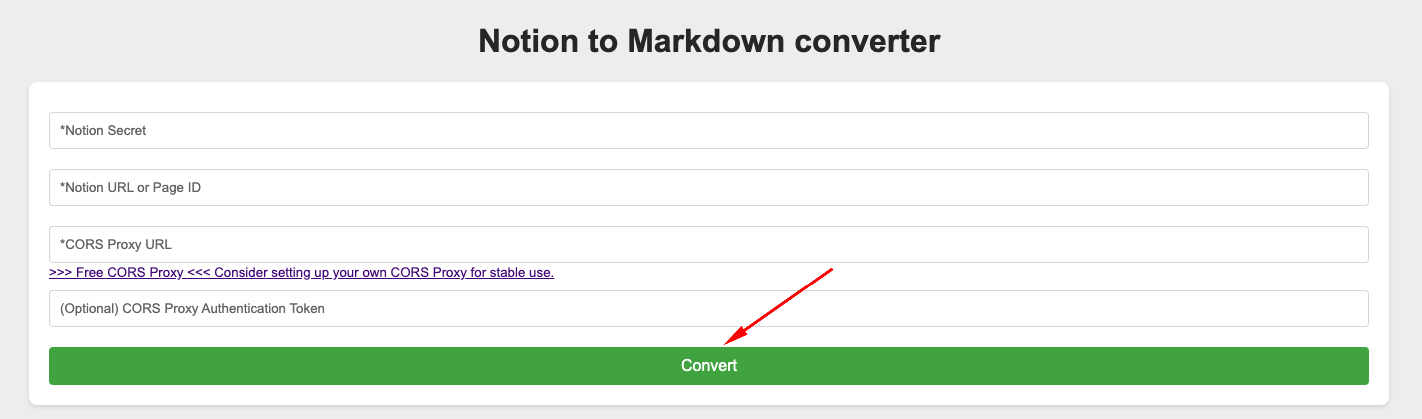
3. CORS Proxy URL
Since our Notion to Markdown website is 100% hosted on GitHub Pages, we WILL NOT store any of your information. Everything stays in your browser, and all requests will be made directly from it.
However, Notion’s CORS policy restricts these kinds of requests . We’ll use a CORS Proxy as a middleman to bypass this.
To use the free CORS Proxy, we input our free CORS Proxy URL.
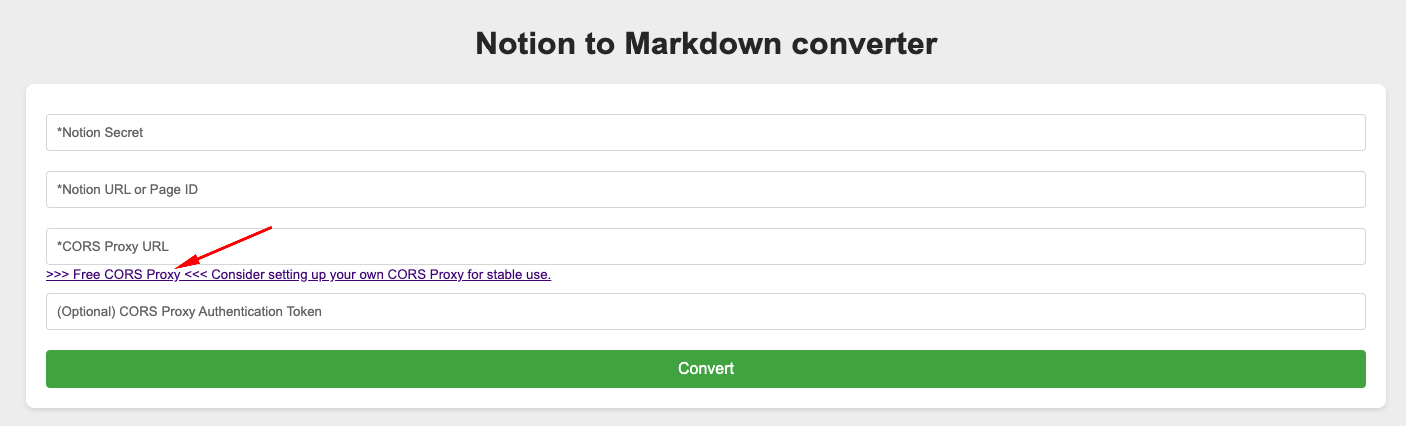
(Optional) For convenience, I’ve added a proxy note. Clicking it will automatically fill in https://cors-anywhere.herokuapp.com/ and open a new tab.
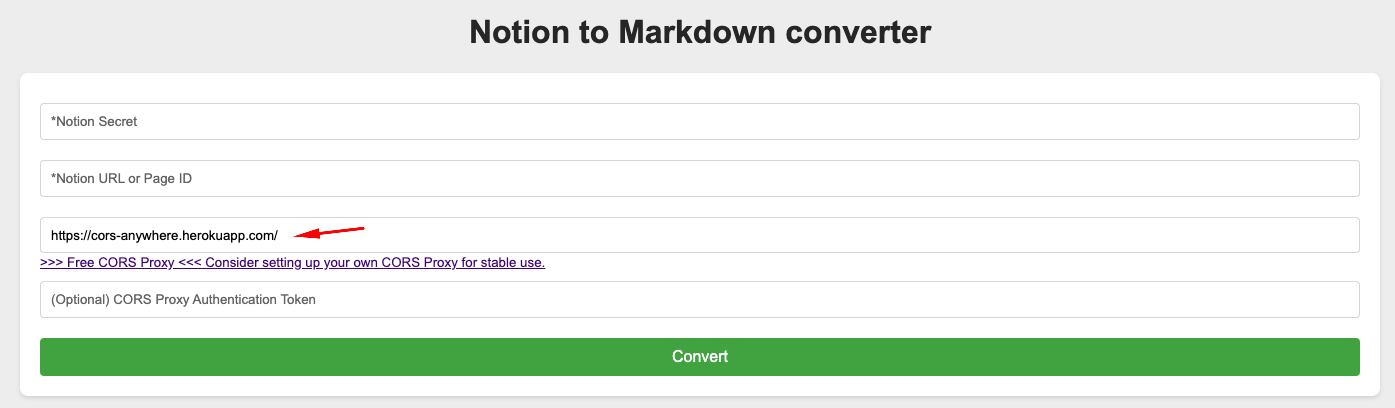
On the new tab, click “Request temporary access” to allow the use of this free CORS Proxy.

DISCLAIMER:
A CORS Proxy acts as a middleman, meaning it can read all your requests and response credentials. Therefore, it is important to choose a trusted CORS Proxy or build your own for the highest level of security.
In this tutorial, we’ll use a Free CORS Proxy URL for convenience, please be fully aware of the risk of exposing our NOTION credentials (both requests and responses).
But to be honest, I’m not too concerned because we have already limited our Notion token permissions to Read content with No user information. Additionally, the Notion URL is for a published page (which is already public). So even in the worst-case scenario where we lose our Notion credentials, a hacker cannot update or delete anything—they would only be able to read the public and selected pages.
If you’re still worried about security, you can use your own CORS Proxy URL or a trusted CORS Proxy URL. You are very welcome to do so.
The only time we use this CORS Proxy is when you click “Convert” to retrieve the Notion page information. No other features or actions will use this CORS Proxy.