1. Setup new Hugo Relearn repository
Basically, you can use any existing Hugo Relearn repository because this will only sync the Notion page to two directories: content and static in the repository.
Alternatively, you can use my premade skeleton-aws-workshop repository. I’ve optimized the theme by fixing some UI/UX bugs, styling, and tweaking the GitHub workflow file to match my needs.
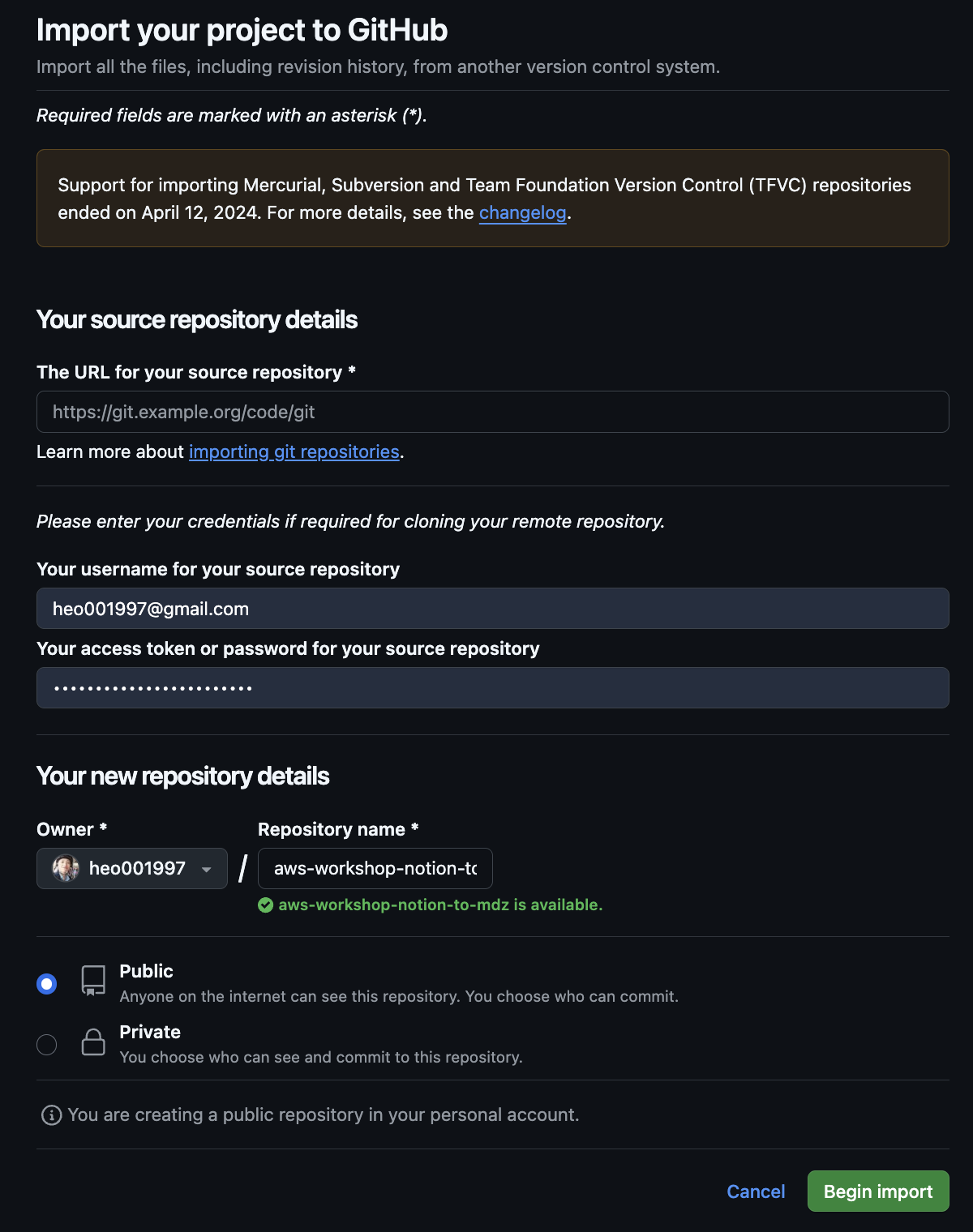
In this part, I’ll use GitHub import on that repo to import into my new Notion To Markdown repository.
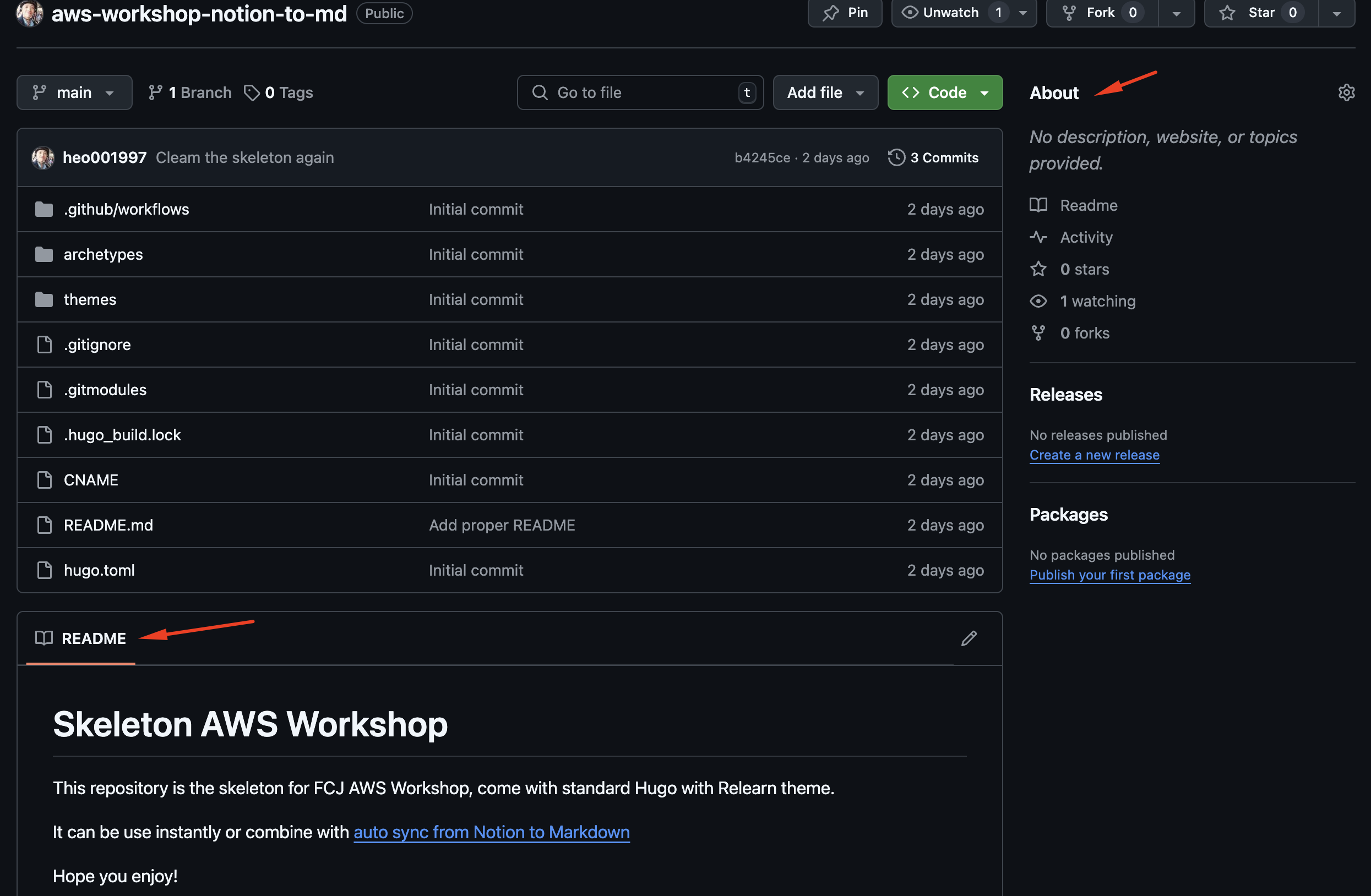
It’s done now. You can update your README and About sections if you want.