5. (Optional) Add thumbnail & favicon
A website isn’t complete without a thumbnail and favicon. What if I told you that we can sync these images from Notion too? Amazing, right?
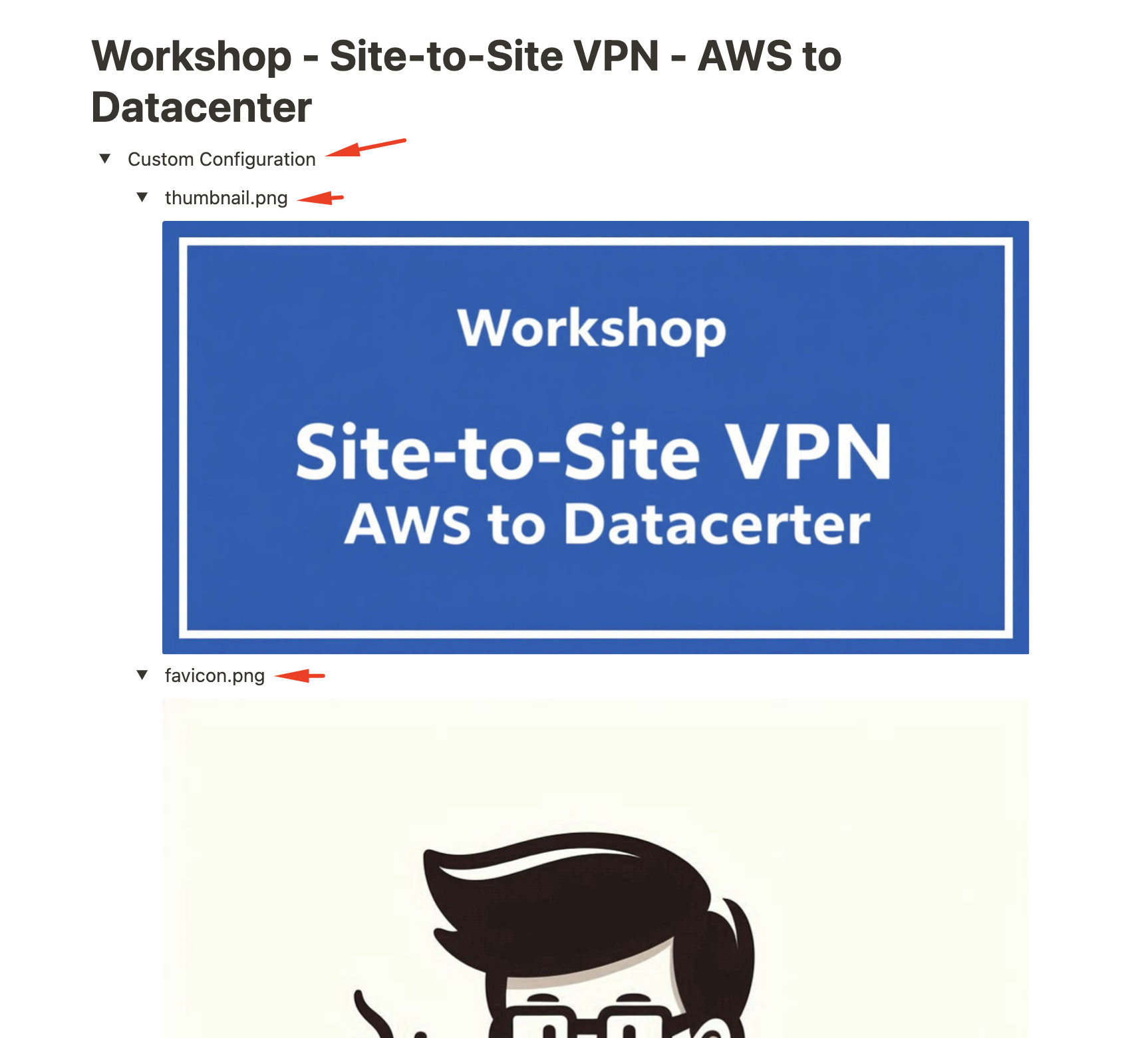
At the top of your Notion page, create a “Toggle List” named “Custom Configuration”. Inside it, create two more toggles: one for thumbnail.png and another for favicon.png. Add your images to the corresponding toggles.
[FYI] You can create a Toggle in Notion by typing > space at the start of a line.